Your app is great — and it’s still on nobody’s phone.
Only after install does an app come alive. Screenshots are that door.
No size hunting. No sign-up. Design you can repeat.
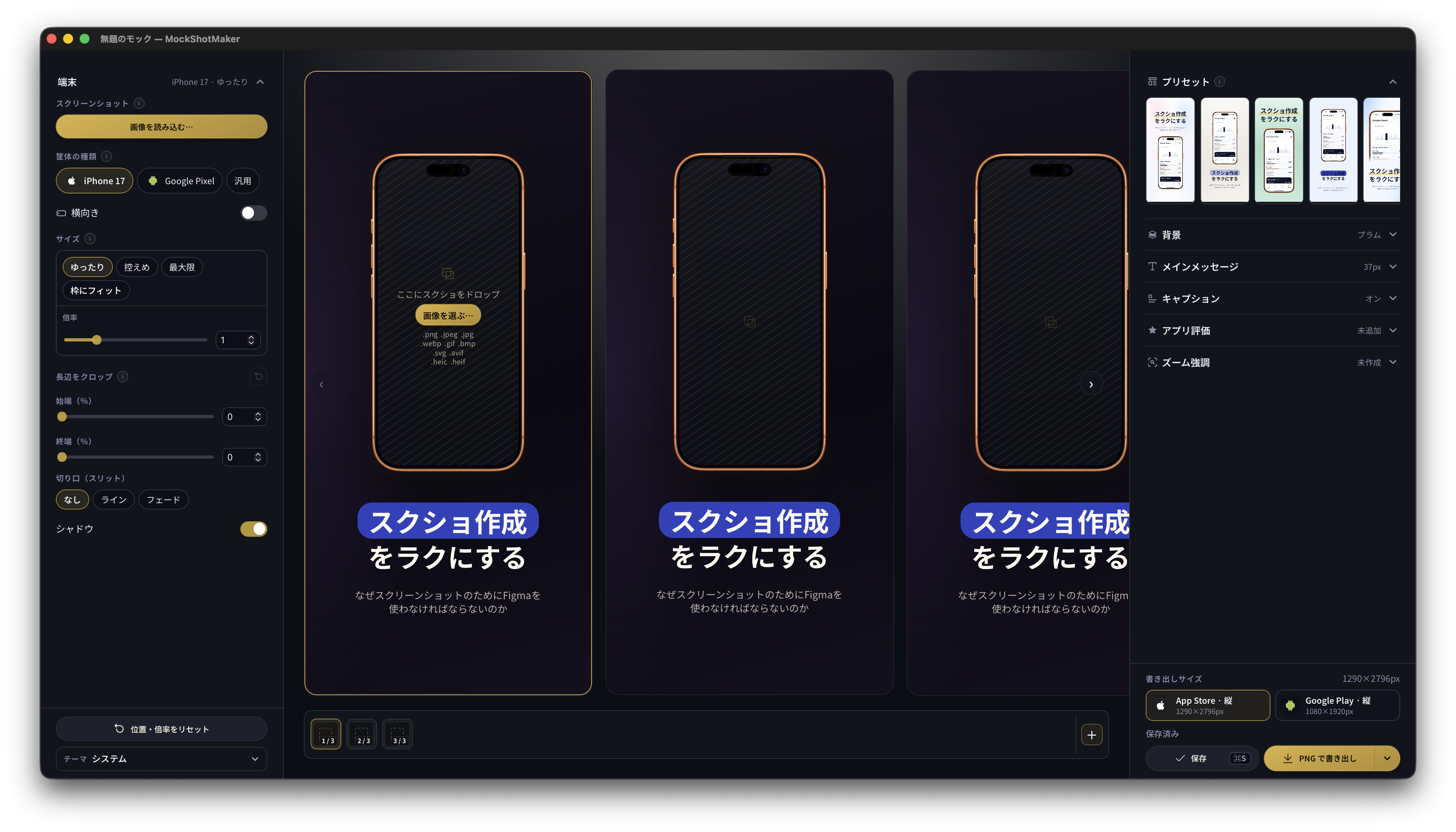
Reproducibility over taste. One click recreates recommended layouts. Design sense — without Figma.
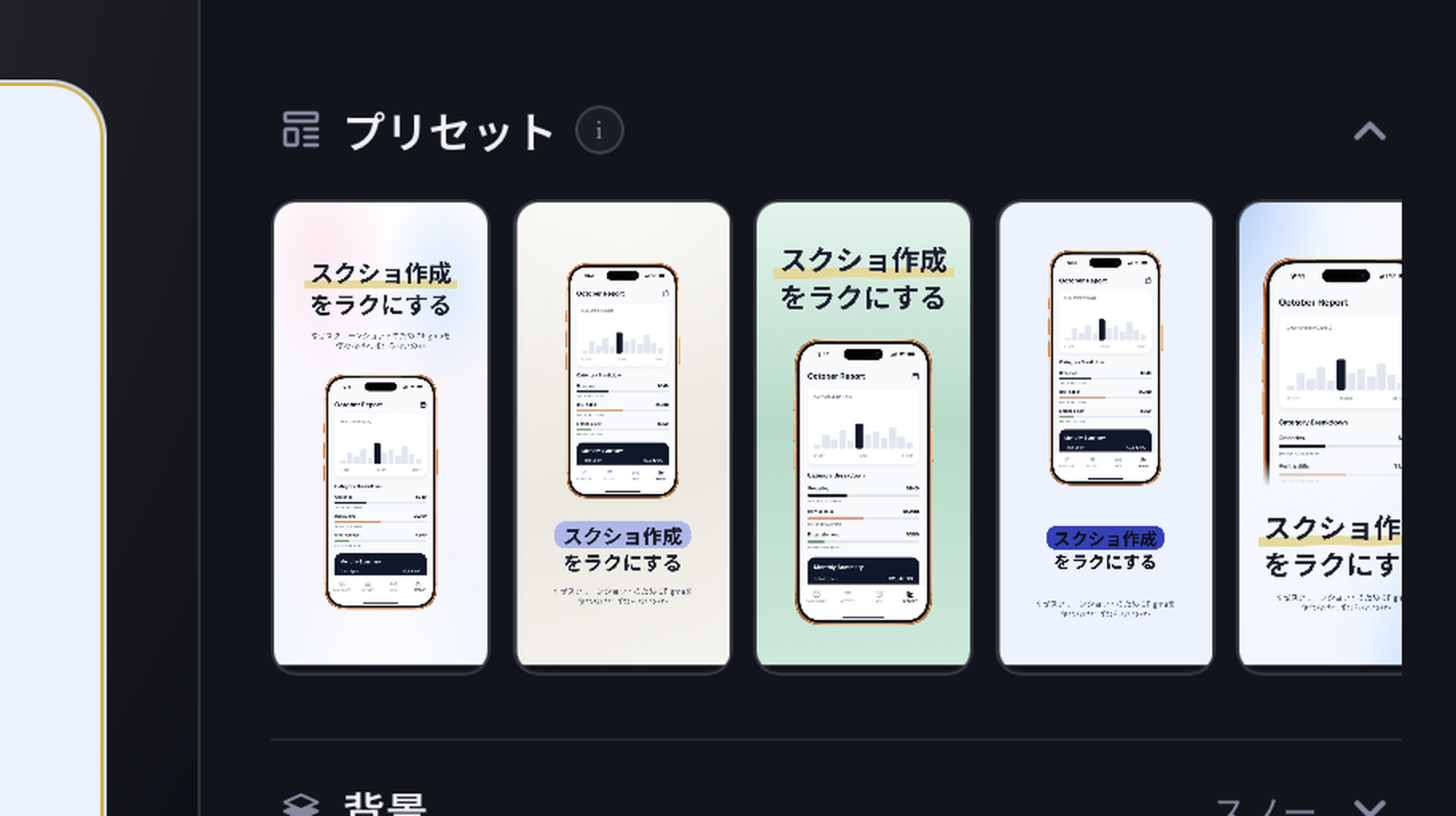
Popular with entertainment, media, and finance apps — and yes, we support it. One button builds the shot.
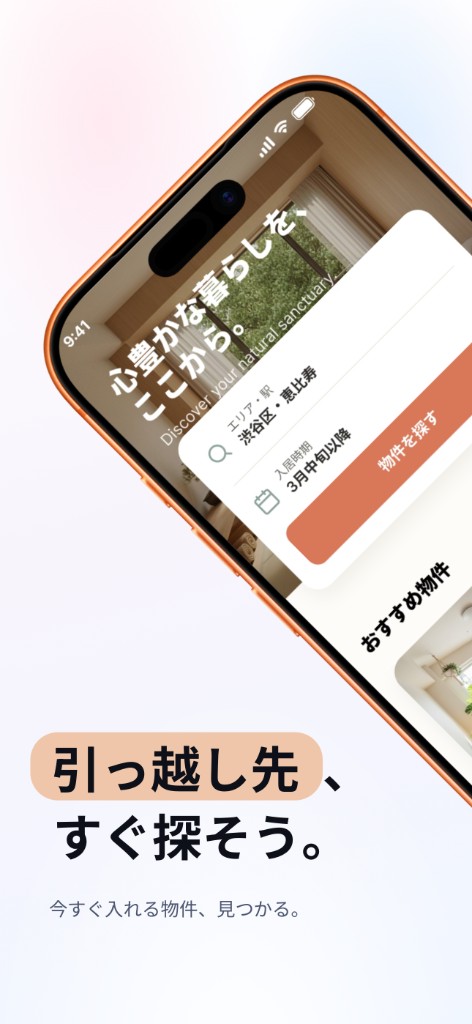
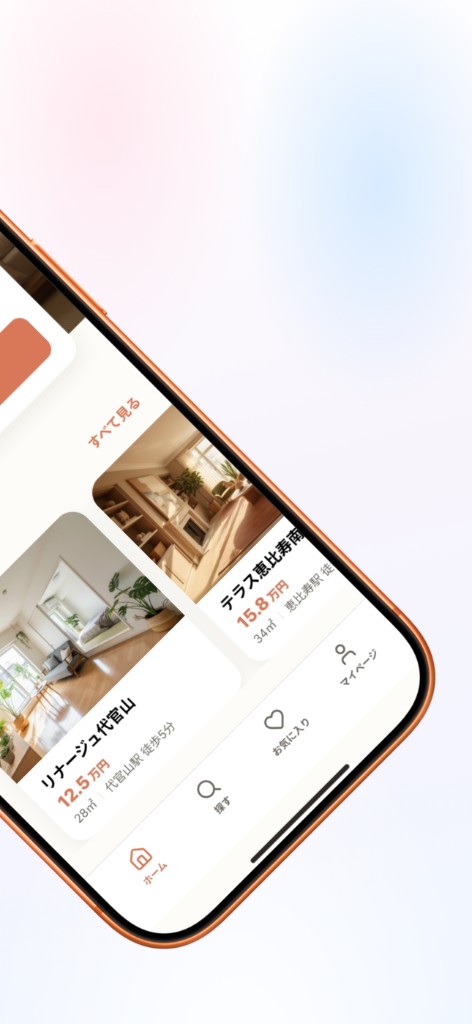
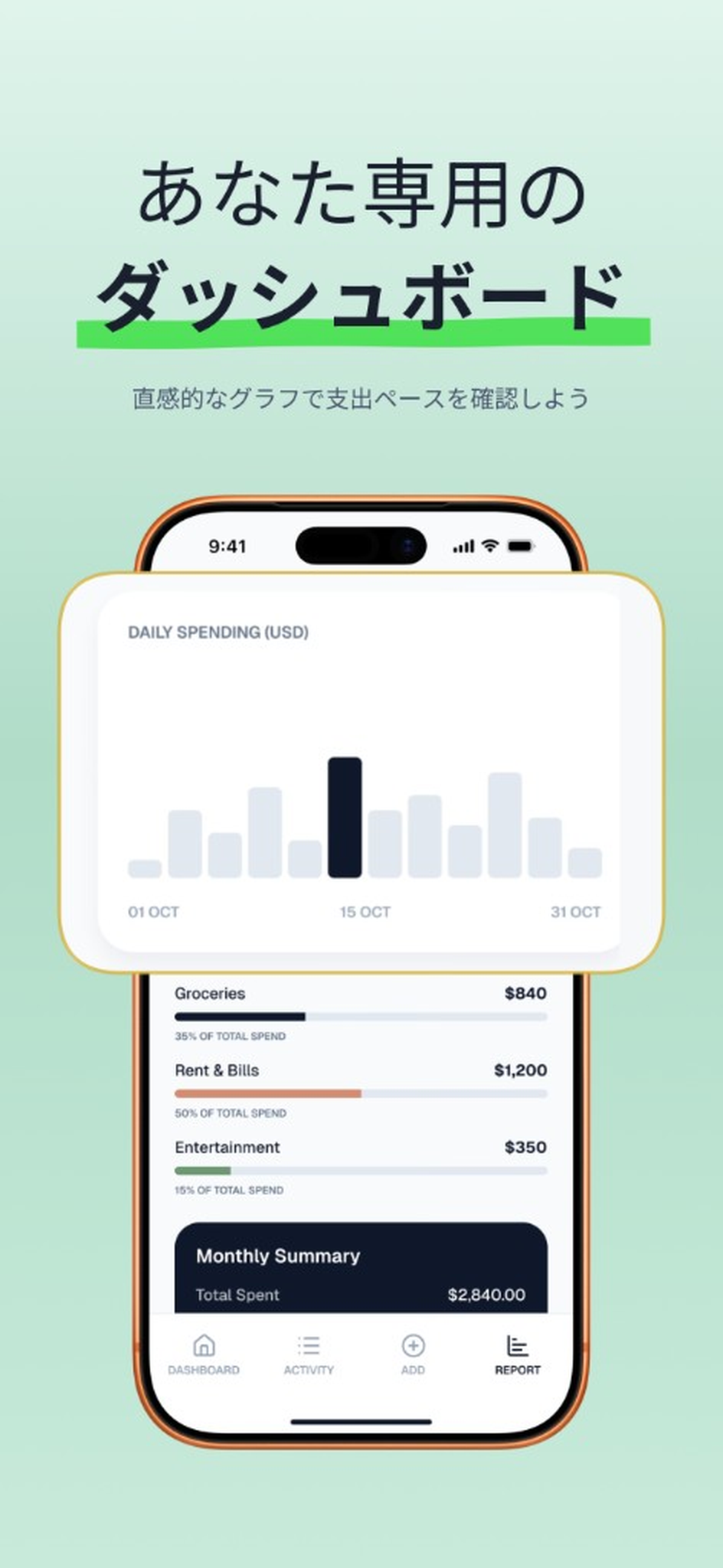
Zoom a UI region with a callout. Guide the eye. Tighten the shot.
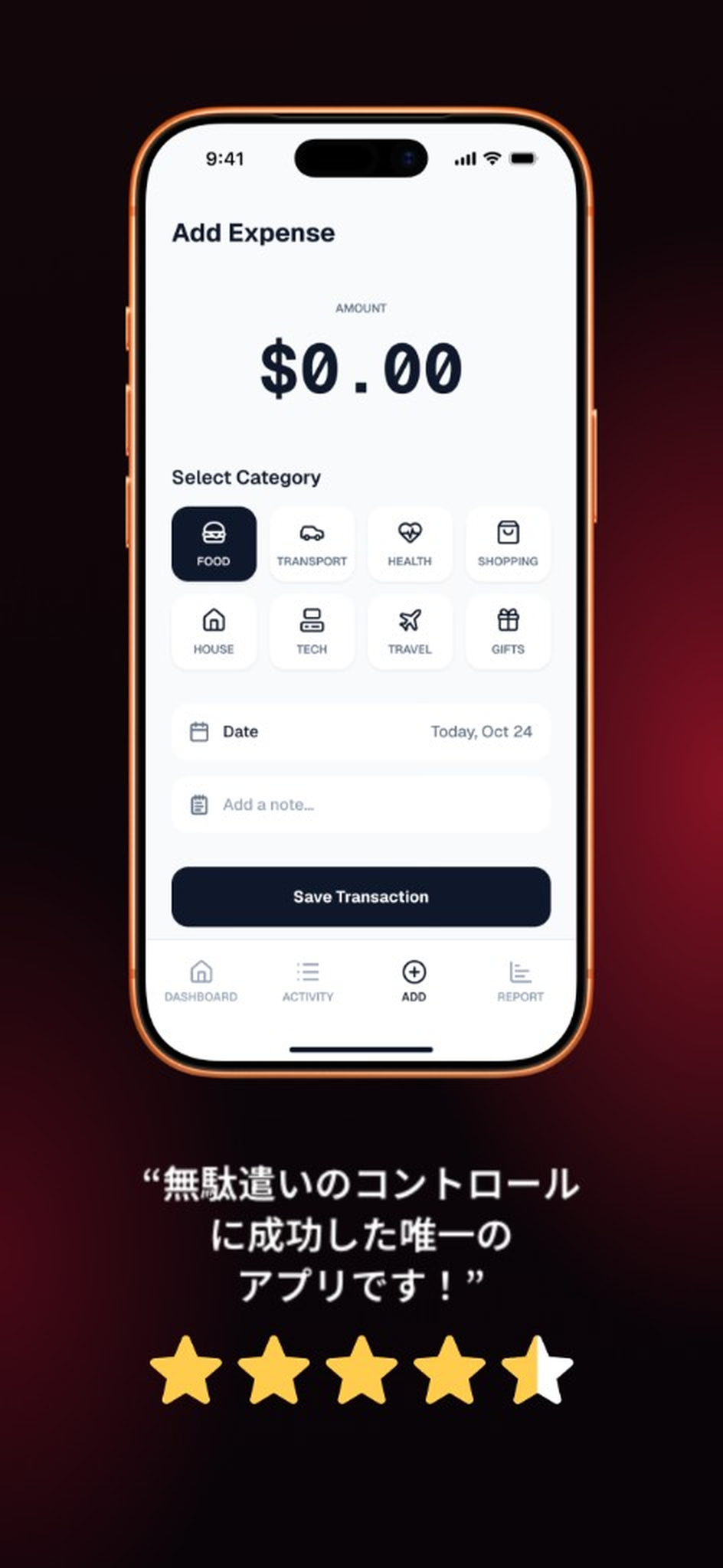
Already have reviews? Put them on screenshot one.
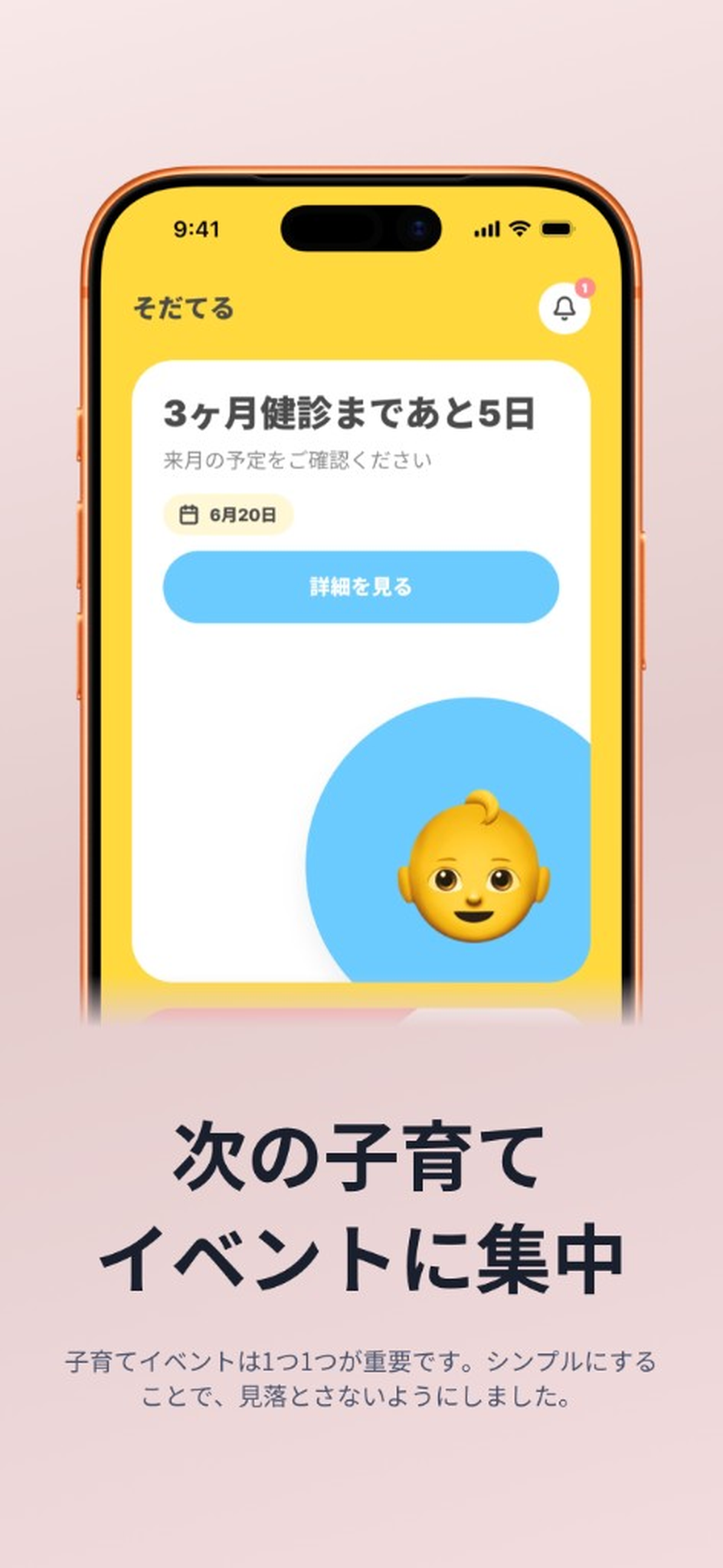
Sometimes you want the top half — or the bottom. Crop what doesn’t matter.
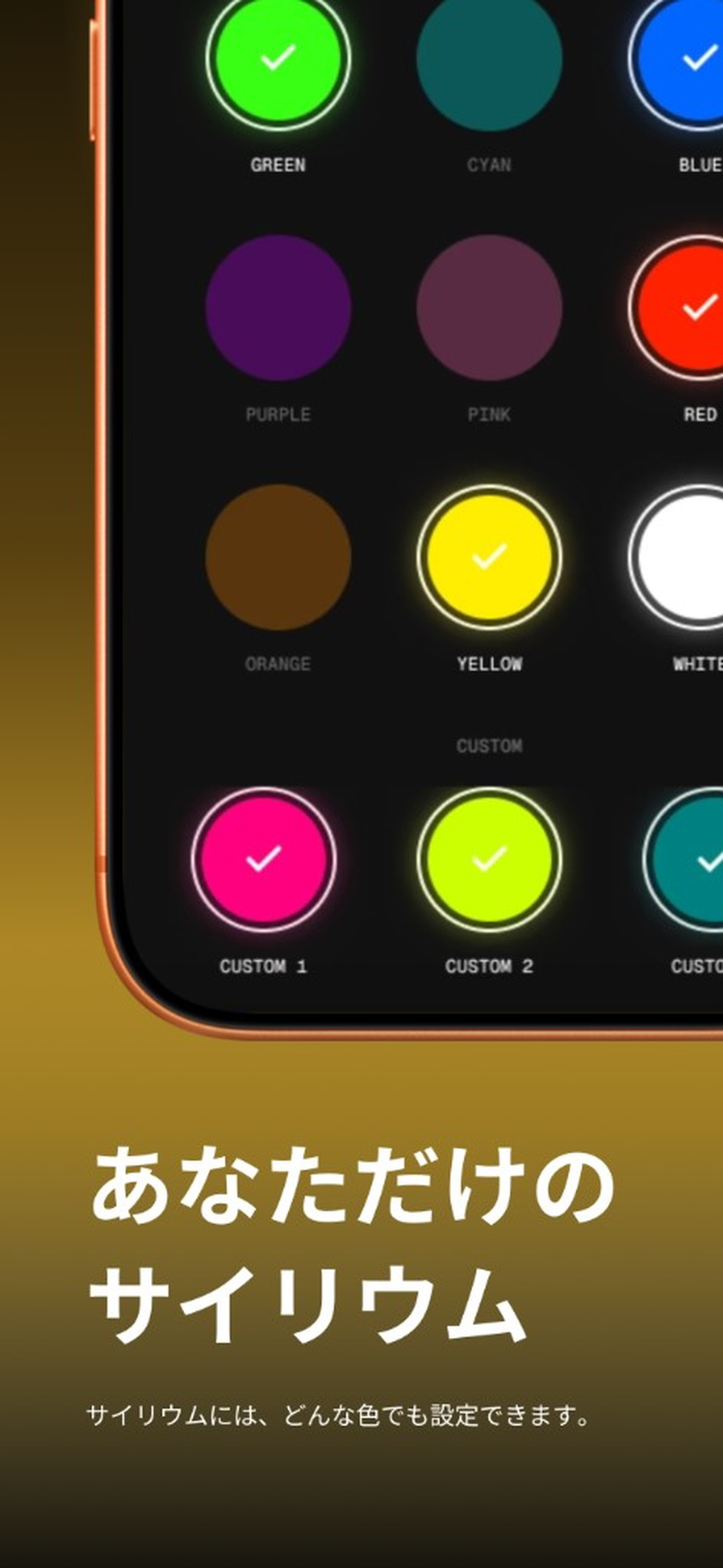
Scale the mock huge. Add top/bottom shadow for type. Dynamic layouts, done.
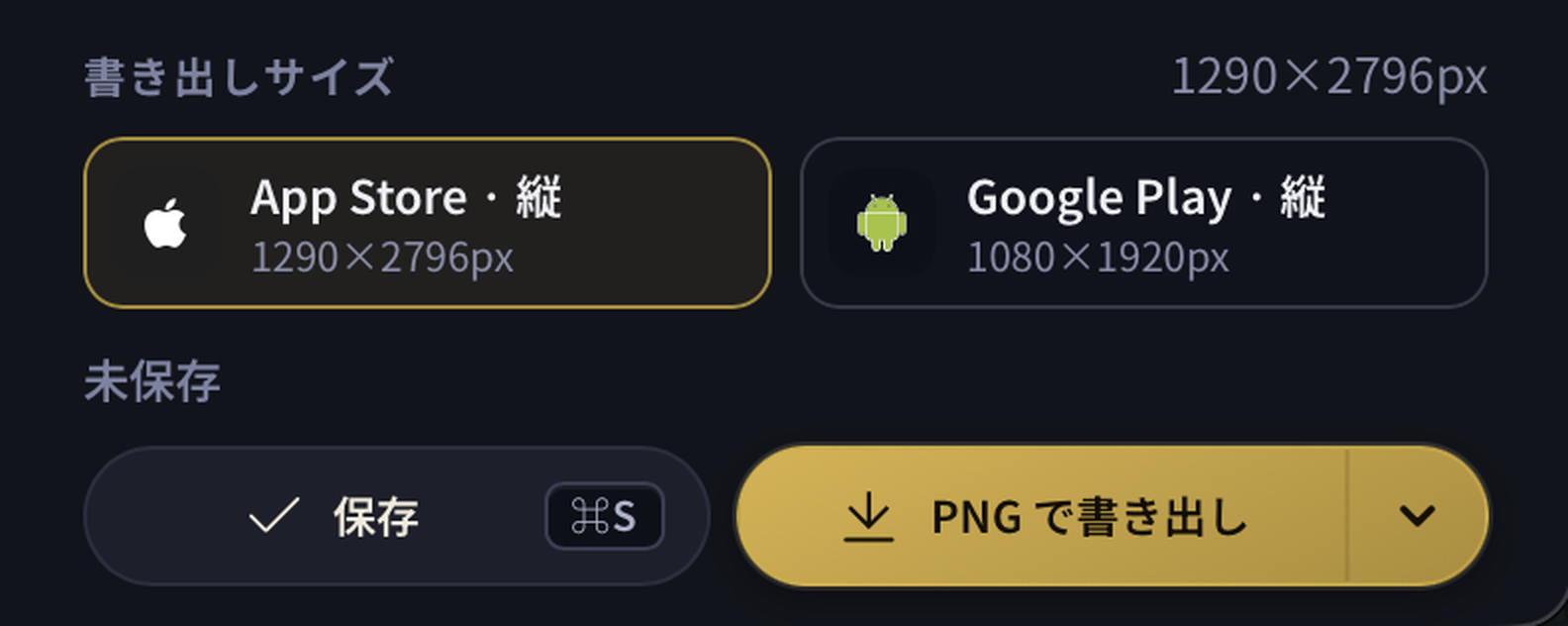
Pick the store and export. No researching aspect ratios. No remaking for the wrong size.
Mark what matters with highlight or underline.
Build landscape store shots for landscape apps.
About 60 designer-picked colors — plus custom.
Type isn’t always black. Set the colors you need.
Latest iPhone, Google Pixel, and a generic mock.
Hunting store screenshot size rules is miserable for builders.
Only after install does an app come alive. Screenshots are that door.
People who visit your app already care. Obsessing over store screenshots beats most ads on cost.
The 2-13-2 rule
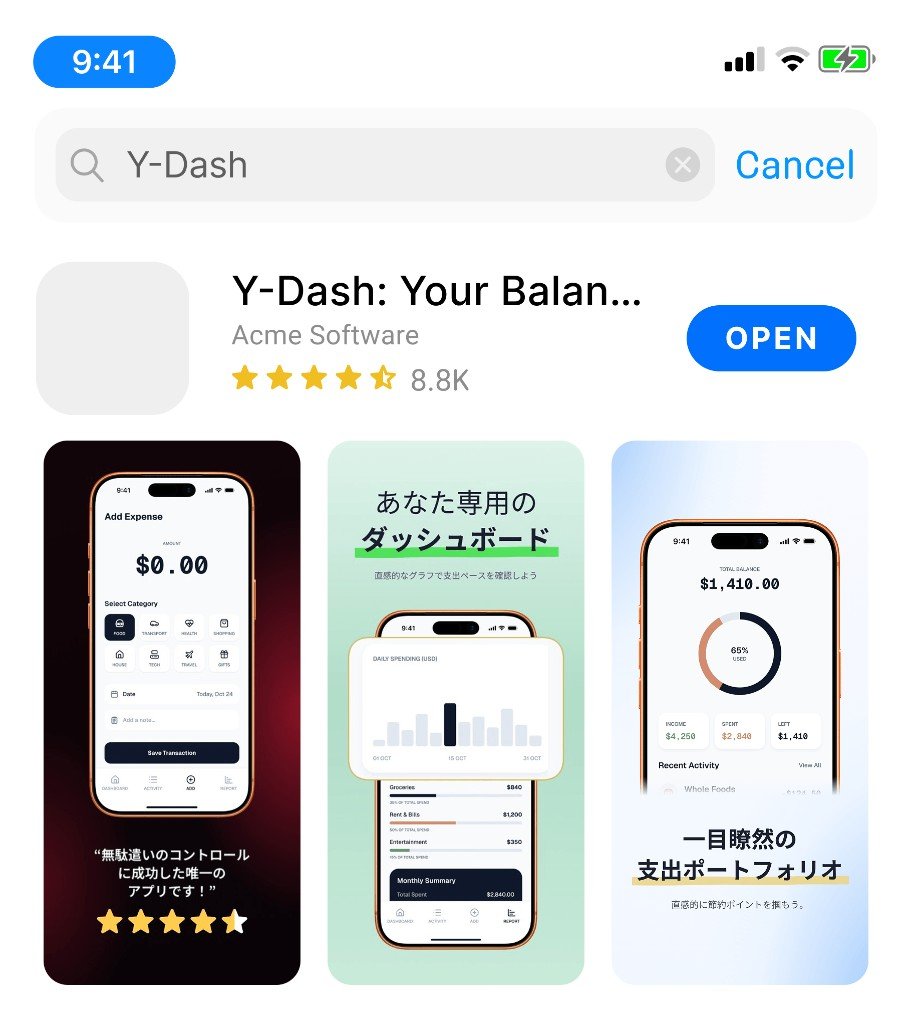
What everyone must see fits in two frames. Shot three and up is for people who already care.
Long copy dies. A punchline beats a paragraph. (Think a few sharp words — not a caption essay.)
Show real UI big. Make them feel “yeah, I could do this.”
Screenshot quality matters as much as the app itself. Don’t phone it in.
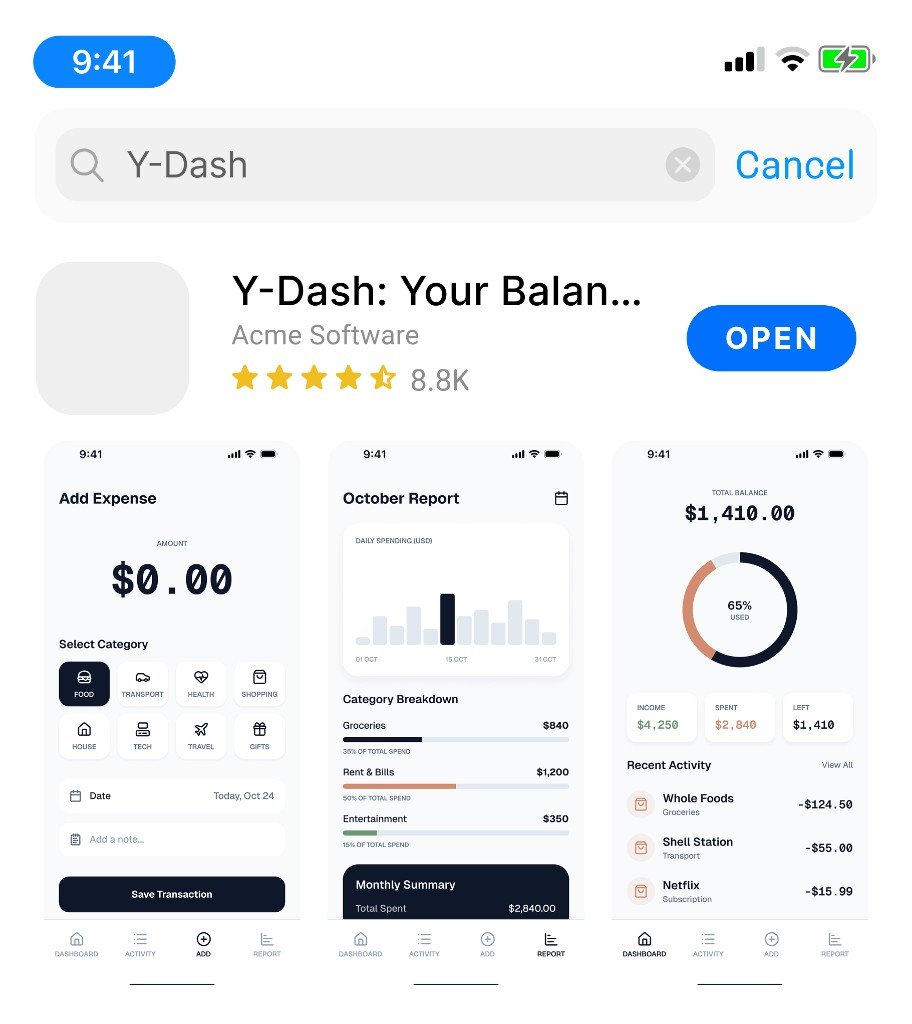
Lazy day
Meant it
Use the Mac test app and post your experience on social — when you buy, we cash back the full amount. Free forever in effect.
Install the Mac test app from TestFlight. Only test-app participants are eligible for this campaign.
Post about your test-app experience on social — X, Instagram, and the like.
After launch, purchase the product version once. Apply via the form with your post URL — we’ll cash back the purchase.
| Figma / Canva | Screenshot SaaS | MockShot Studio | |
|---|---|---|---|
| Submission-size presets | Manual | Yes | Yes (pick & go) |
| Signup | Optional | Often required | Email only (optional) |
| Image handling | Local OK | Often cloud | On your computer |
| Pricing | — | Monthly or credits | Web credits / Mac one-time |
| Subscription | — | Common | None |
| Native Mac app | No | No | Yes (unlimited exports) |
Web
$1 / export
Edit free. PNG export is $1 each (10-pack $10). Balance tied to email with magic-link restore. About 60 exports ≈ Mac one-time.
Try in browserMac
$59 one-timeFree for now
No subscription. Unlimited exports. Free now via the test app (TestFlight).
Get the test appWeb is prepaid credits only. Mac is one-time. No monthly or yearly plans.
A store-screenshot tool for indie builders. Pick a preset and export PNGs at submission size.
Store visitors already care. Most people only see two shots — lead with a short punchline for why you exist, prove it with real UI on shot two. Screenshot quality matters as much as the app.
Both edit. Web uses export credits ($1 each, 10 for $10). Mac is one-time with unlimited exports. No subscriptions.
Editing and PNG rendering stay on your computer. We only use your email to keep export credit balances (no sign-up).
Join the TestFlight Mac test app, post about the experience on social, buy the product version once after launch, and apply via form with your post URL — we cash back the purchase. Store reviews aren’t available during TestFlight, so SNS is the requirement. Fake posts don’t count.
Web is $1 per export (10-pack $10). Mac is $59 one-time. No monthly or yearly plans.
Apple’s beta distribution. Use the invite link to install Mac before public release.
Not supported. Export store-resolution PNGs to your device.
Edit in browser · Pay per export · No subscriptions